


Ships worldwide. Please consult customer service for details.
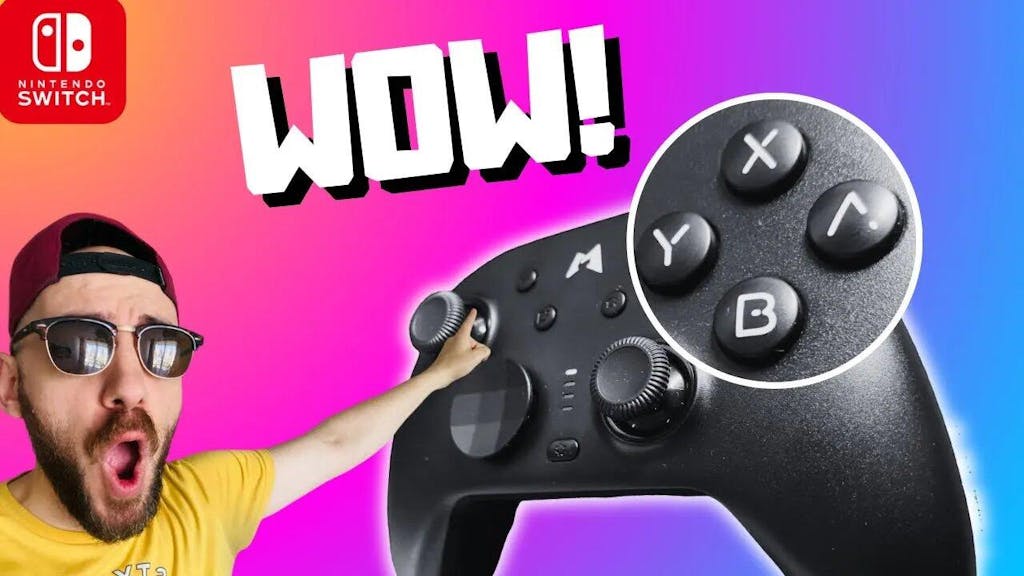
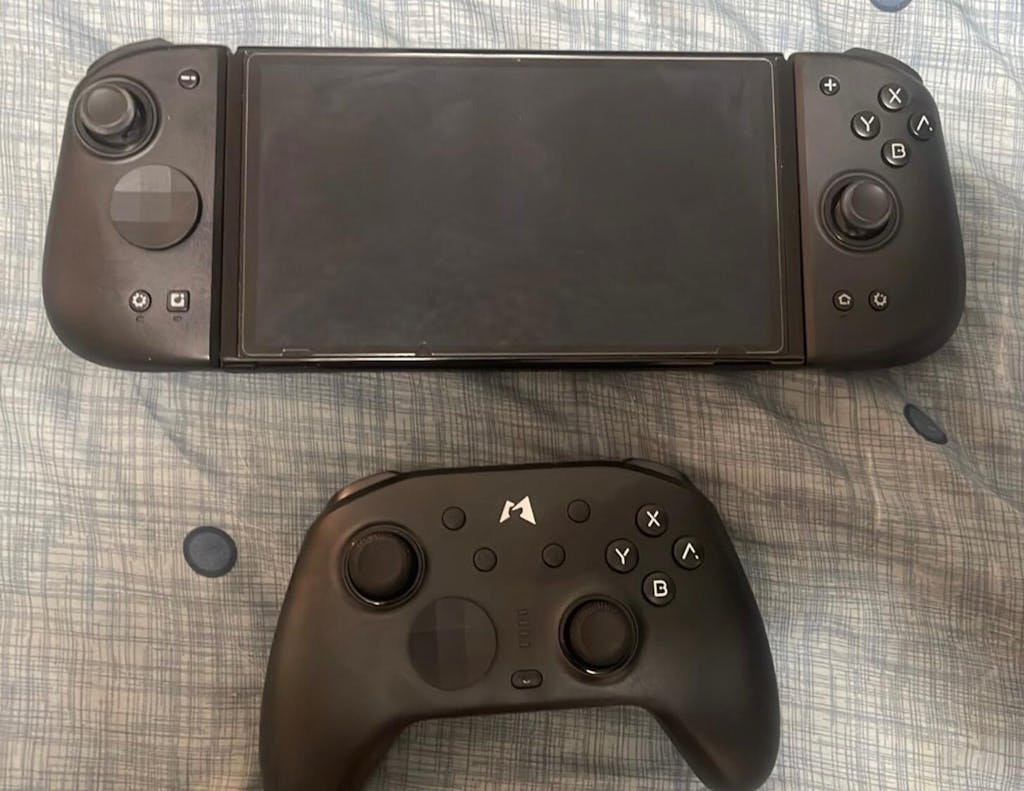
Mobapad N1- HD Switch/ Switch 2 Pro Controller
Shipping Policy
Shipping Policy
We are committed to providing you with fast and reliable shipping services. Our shipping policy is based on the destination country/region, as follows:
United States
Estimated delivery time: 7-12 business days
Canada
Estimated delivery time: 10-15 business days
Mexico
Estimated delivery time: 10-20 business days
United Kingdom
Estimated delivery time: 6-8 business days
Germany
Estimated delivery time: 8-10 business days
Other European Countries
Estimated delivery time: 6-10 business days
Australia and New Zealand
Estimated delivery time: 7-12 business days
Other Asian Countries
Estimated delivery time: 5-10 business days
South America
Estimated delivery time: 10-25 business days
Africa
Estimated delivery time: 8-16 business days
Please note that the above delivery times are for reference only and actual delivery times may be affected by force majeure factors.
If you have any questions or special requests regarding shipping, please feel free to contact our customer service team.
App Download
App Download
Product Description
Product Description
- One-Touch Wake for Switch 2
- Anti-Drift Hall Effect Joysticks
- HD Rumble
- Liquid Silicone Buttons for Silent Use
- Built-in NFC for Amiibo
- Swappable Cross D-Pad
- Tactile Switch Buttons
- Dual Programmable Back Buttons
Q&A
Which platforms and devices is Mobapad N1 HD compatible with?
Which platforms and devices is Mobapad N1 HD compatible with?
The Mobapad N1 HD Switch controller can be used with Switch, Switch 2, iOS, Android, and Windows.
What items are included in the packaging?
What items are included in the packaging?
The package contains:
- Mobapad N1 HD Switch controller ×1
- Replacement cross D-pad ×1
- 2.4G dongle ×1
- Type-C 1M data cable ×1
- User manual ×1
What are the features of the joysticks and buttons?
What are the features of the joysticks and buttons?
The Mobapad N1 HD Switch controller features a Hall Effect joystick, eliminating drift issues and providing more precise gaming accuracy. The buttons use silicone membranes, offering a lifespan of 5 million clicks. Compared to mechanical buttons, they are quieter and softer to the touch.
What connection methods are supported?
What connection methods are supported?
The Mobapad N1 HD Switch controller supports 2.4G dongle connection, Bluetooth connection, and wired connection.
What is the battery life of the controller?
What is the battery life of the controller?
When fully charged, the Mobapad N1 HD Switch controller can provide approximately 15 hours of gameplay, though this may vary depending on the vibration intensity during gaming.
Is there a supporting driver/software? What customization features are supported?
Is there a supporting driver/software? What customization features are supported?
The Mobapad app allows for button mapping, macro programming, turbo settings, configuring startup/shutdown sounds, and adjusting vibration intensity.
How should I troubleshoot if the Mobapad N1 HD Switch controller has connection issues or unresponsive buttons?
How should I troubleshoot if the Mobapad N1 HD Switch controller has connection issues or unresponsive buttons?
The reasons why the controller may disconnect during gameplay could be:
- The controller disconnected due to low battery.
- During gameplay, another controller was automatically triggered or a button was accidentally pressed, causing the console to reassign the active input device.
Solution: Place the controller on a flat surface, open the console's "Settings" → "Controllers and Sensors" → "Check Input Devices" → "Disconnect All Controllers," and press the X button on the controller to disconnect all devices (this clears all paired devices). - Re-pair the console and the controller, then test whether the disconnection issue persists.
What should I do if the joystick of Mobapad N1 HD drifts?
What should I do if the joystick of Mobapad N1 HD drifts?
While the controller is off, press the Minus button, A button, and Home button simultaneously. Mode lights 1, 4, 2, and 3 will flash. Rotate the joystick to its maximum angle three times, then place the controller on a flat surface. Wait for lights 1, 2, 3, and 4 to flash alternately, press the Plus button to confirm, and wait for the controller's channel lights to turn off, indicating calibration is complete